Jago Loop Studio
Jago Loop Studio
A little drawing studio for things that won't sit still.
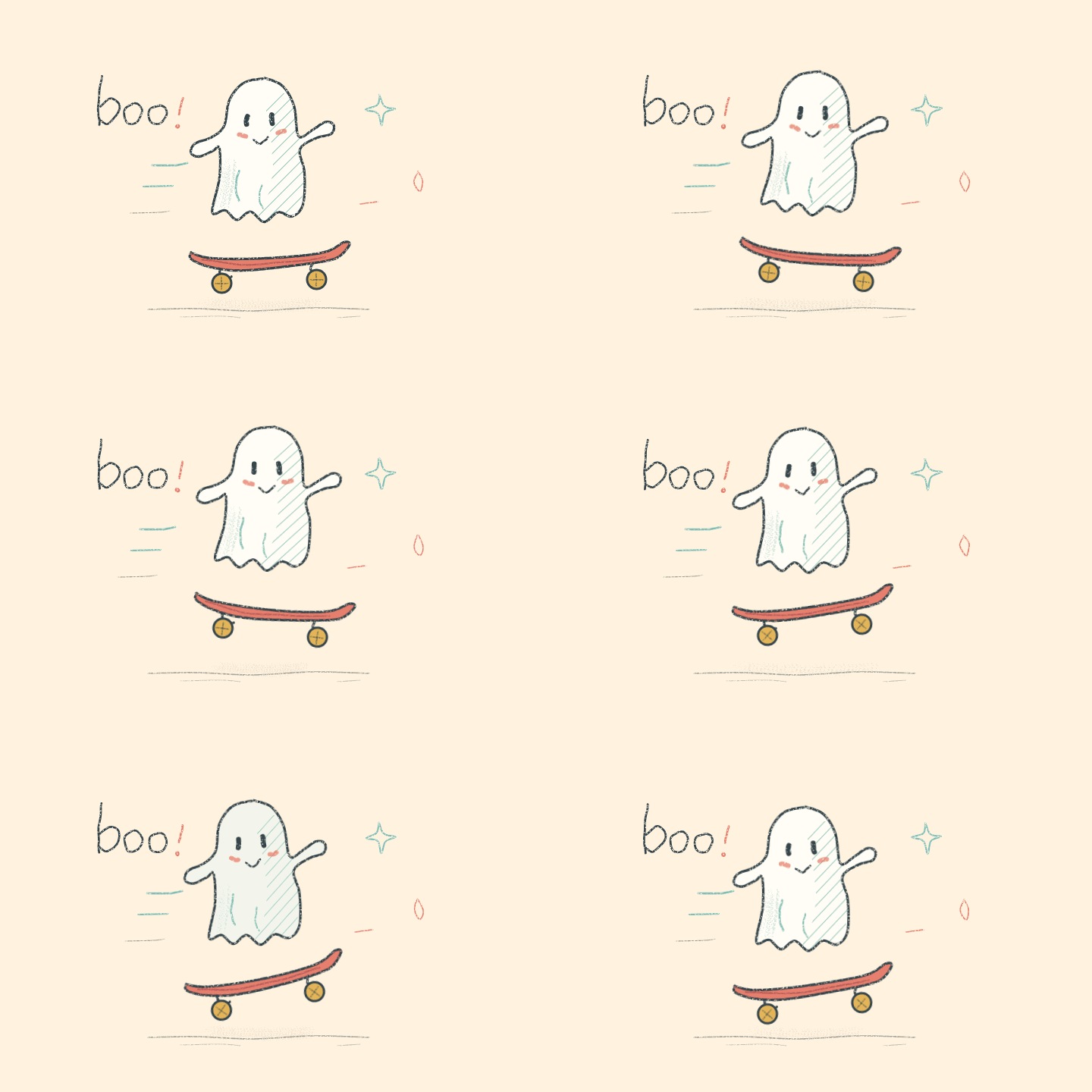
Give a doodle a wobble, send a ball bouncing across the canvas, or spend far too long making a tiny ghost wave hello. Jago Loop Studio is a free drawing and animation tool for playing with lively lines, textures and little looping worlds.
Start with a few marks and see where they take you. You can add movement to a single drawing, animate frame by frame, or mix the two. Rough sketches are very welcome here :)
Try it in your browser above, or download it for Windows. No account, subscription or paid tool upgrades. The downloaded Windows and browser editions work offline.
Draw, shade and experiment
- Smooth or chunky: keep your lines soft or give them pixel edges. On drawing canvases, switch styles without redrawing and choose your pixel block size.
- Proper little pixel canvases: start with a small canvas and draw directly on a 1 px grid. Choose sizes from 32 × 32 to 256 × 256, including a widescreen option. Zoom right in, place your pixels, then keep them still or give them some movement.
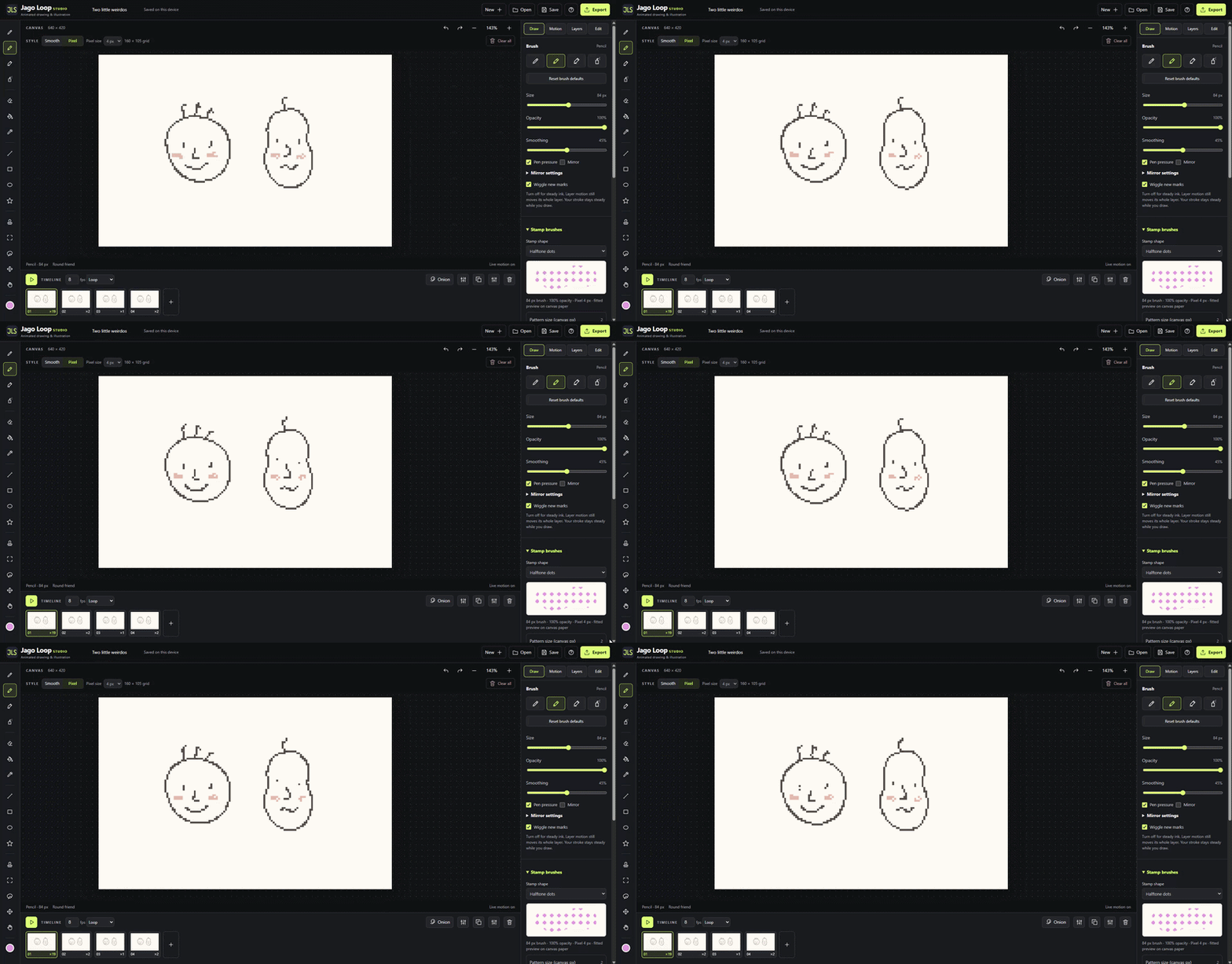
- Pens and textures: pen, pencil, marker, spray and eleven starter stamps, including chalk, stipple, hatching, dither and halftone. Adjust size, opacity and smoothing, with pressure controls for compatible pens.
- A spray to play with: change the amount and size of the speckles, spread them out or gather them towards the centre. Try a round spray, a wide or tall fan, or start with Fine mist and Grainy spray.
- Stamps that join up or stand apart: chalk, hatching, crosshatch, dither, dots, parallel lines and checkerboard offer continuous patterns or individual stamps. Change the grain or pattern size separately from brush width, and turn the texture with Pattern angle.
- Make your own stamps: turn a selected drawing or transparent PNG into a reusable stamp. Play with spacing, rotation, scatter and size variation, then save your own version with Save as new preset. Custom PNG stamps scale with brush size, up to 160 px.
- Your brushes, all together: choose default stamps, imported packs, saved setups and custom images from one Brush dropdown. The Draw panel puts the relevant settings beside the tool you're using, with shared size, opacity and colour controls. Stamp rotation, scatter and variation are easy to find, and the preview grows as you change Size.
- Brush packs without the faff: import a pack once and choose any of its brushes straight away. Used images are included automatically and reused when you choose the brush again. Make your own variations, export your library, or select and remove several presets together, with an undo option for the last removal.
- Shading without the tidy edges: use clipping layers to keep your scribbles inside a base shape. There are also transparency locks, blend modes and handy base, shadow and light colours.
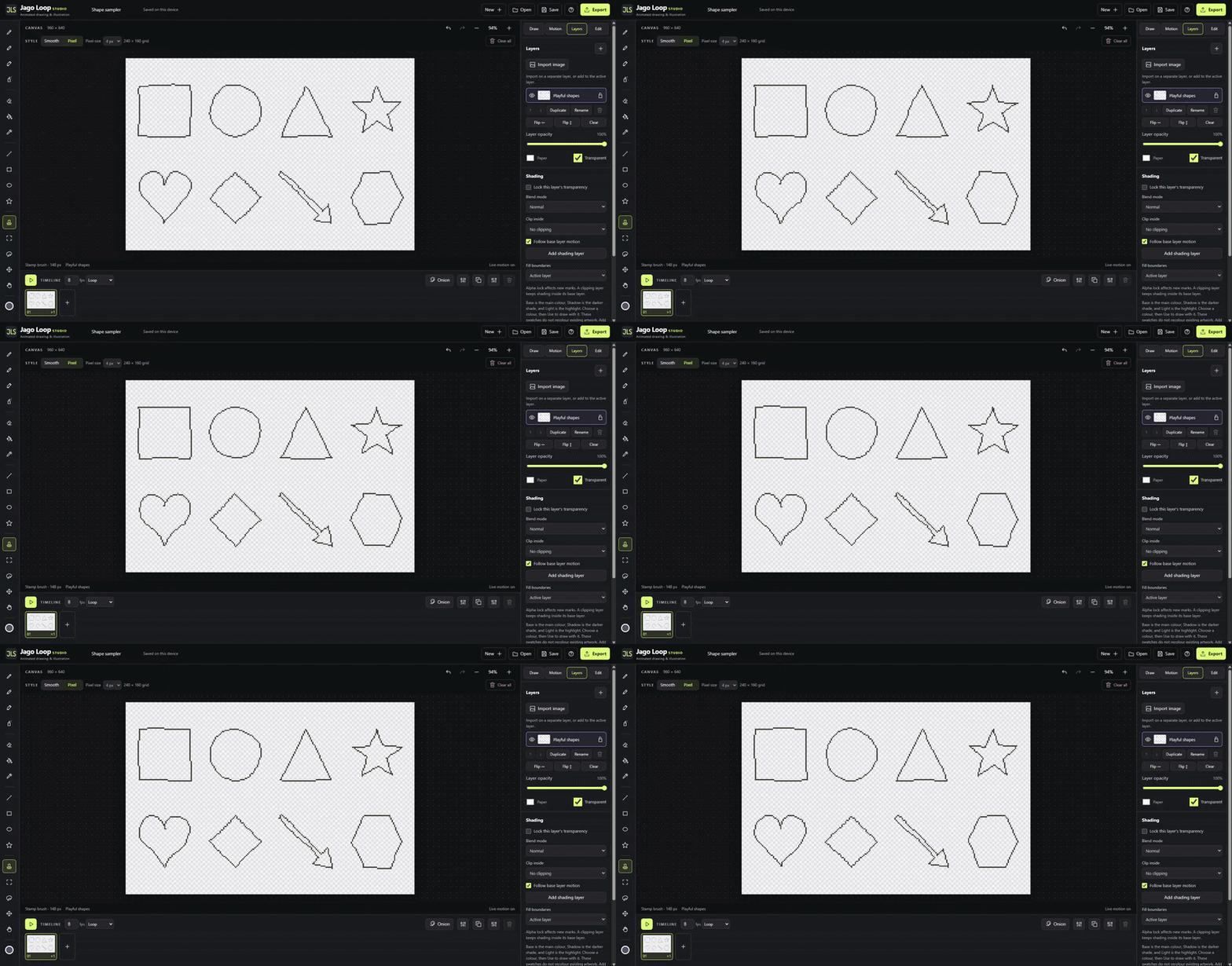
- Shapes and symmetry: straight lines, rectangles, ellipses, triangles, stars, hearts, diamonds, arrows and hexagons. Try left/right, top/bottom, four-way or radial mirroring, with a movable centre.
Bring your drawings to life
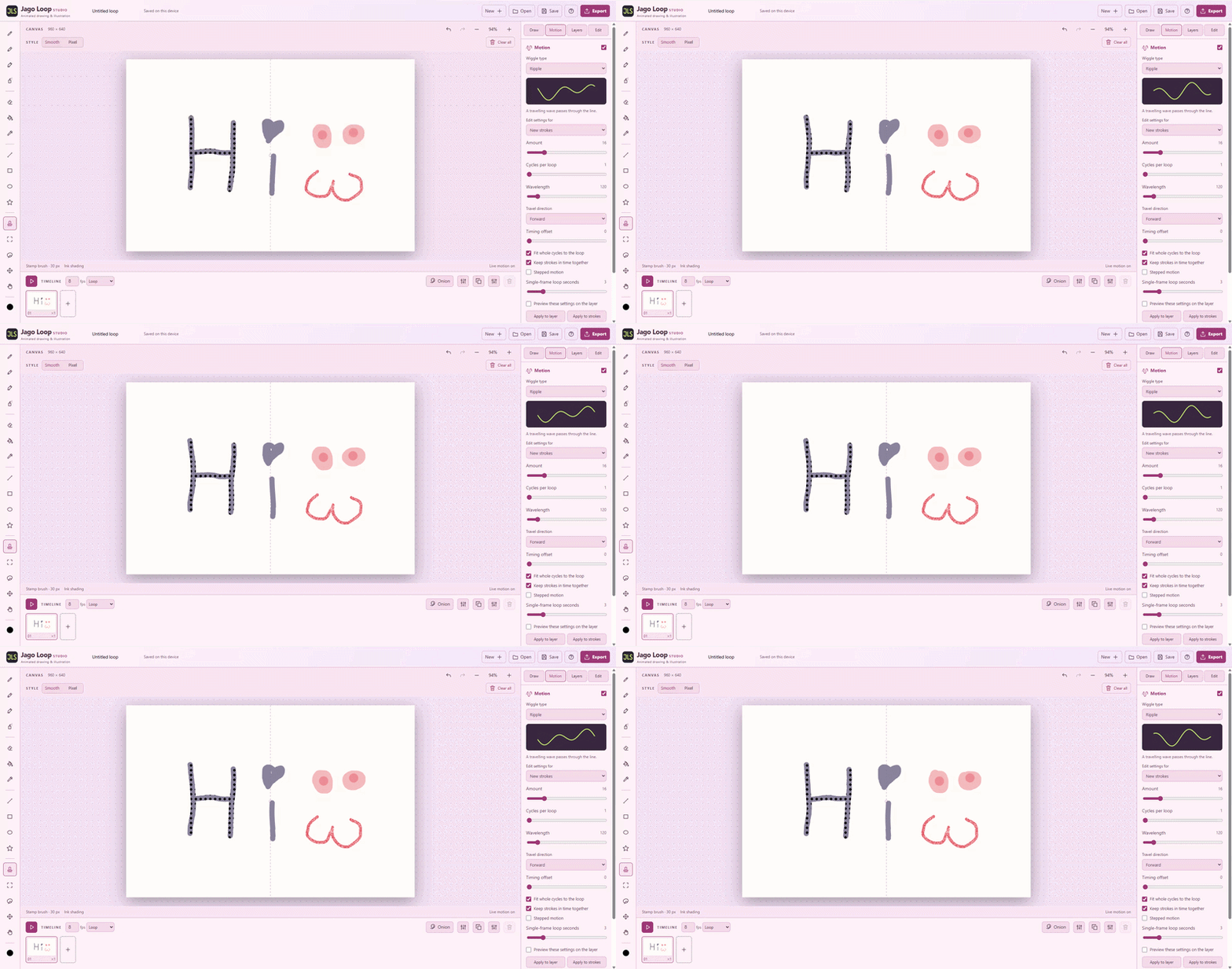
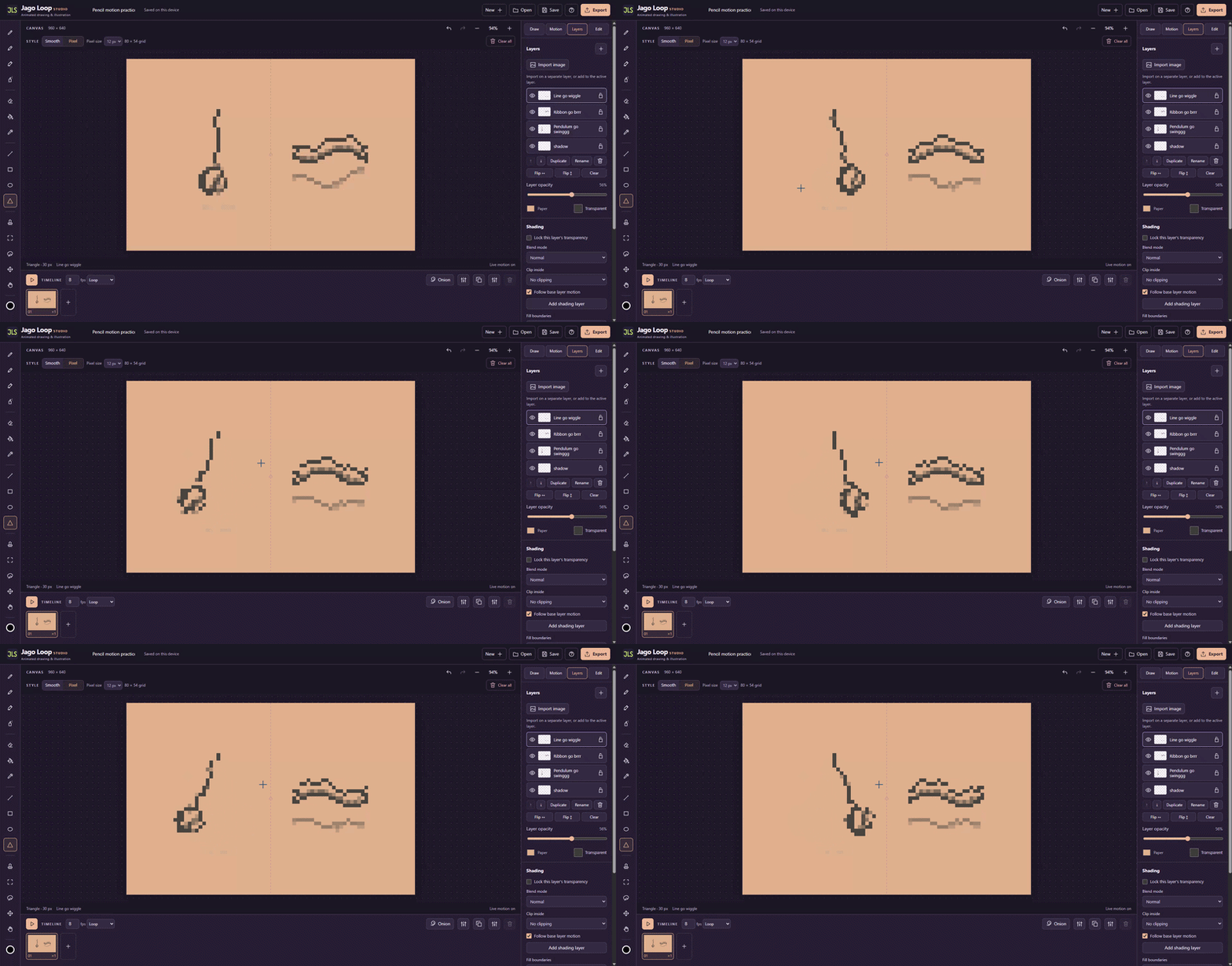
A gentle pencil wobble? A swaying pendulum? Something a bit springier? Add any of these eight motion types to suitable marks or whole layers:
Classic line boil · Sway · Ripple · Flutter
Breathe · Spring · Drift · Texture crawl
Each effect has its own controls. Preview your changes, fit the movement to your loop or keep marks completely still. Texture crawl adds moving grain inside stamp marks.
Keep a movement you like: motion presets save settings for those eight types. For example, Paper Breeze is a saved Flutter setup. The picker shows both the preset name and its underlying type, and labels your changes as modified. Choose Apply to strokes or Apply to layer to use the settings on existing artwork.
Choose where things swing from. Sway and Breathe have a visible pivot you can drag around the canvas, even outside the drawing. Try a new position, watch the preview, then apply it when it feels right.
Prefer drawing each pose yourself? Add, duplicate and reorder frames, adjust their holds individually or apply timing to every frame, and choose loop or ping-pong playback. Adjustable onion skinning shows drawings before and after the current frame to help you line things up.
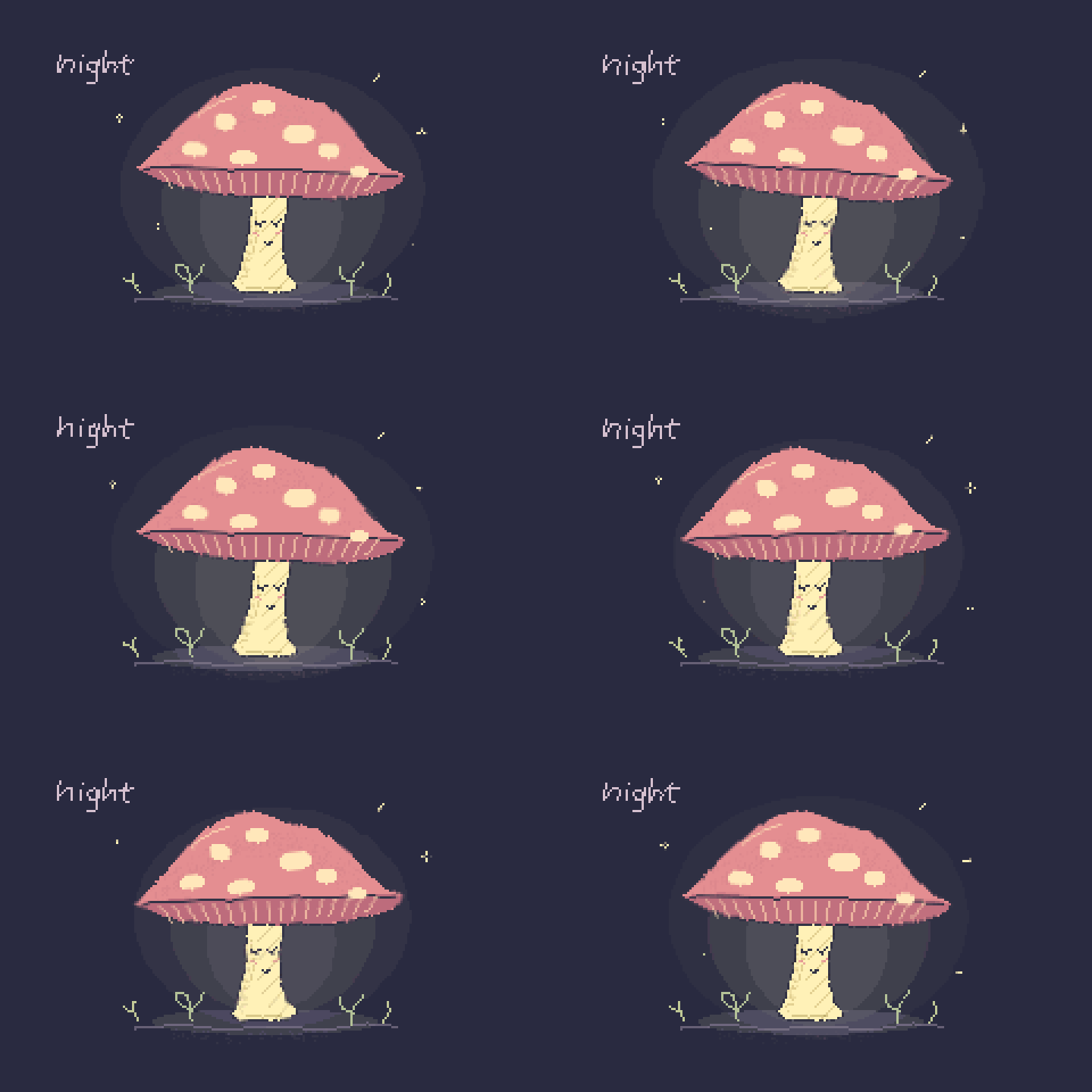
Pixel canvases can move too! Motion steps through whole pixels, keeping that crisp little grid. For precise pixel-by-pixel poses, draw your own frames instead.
A few handy things while you draw
- Guides for your next idea: use an adjustable grid, rule of thirds, centre cross, isometric grid or one-point perspective with a movable vanishing point. There's also a pixel grid when you zoom in, and an adjustable arc with equal time steps for planning a bounce. These are visual guides, with no snapping, and stay out of your exports.
- Layers and images: organise your drawing with thumbnails, duplication, opacity and visibility controls. Import an image onto its own layer or into the one you're using.
- Selections that keep moving: use a lasso or rectangle to select artwork, draw inside it, or move, copy, resize and rotate it without losing its animation.
- Room to work: larger landscape, square and portrait canvases, pan and zoom, keyboard shortcuts, fill, eraser and colour picker tools. Pixel canvases let you zoom up to 4000%.
- A little reassurance: undo and redo, brush, stamp and spray resets, local autosave and recovery snapshots. Save a .jago file to keep your own backup too.
- Make yourself comfortable: Charcoal, Warm Paper, Midnight Plum and the pink Candy Cloud theme.
Save it. Share it. Keep working.
Save editable .jago projects, then export:
- Animated GIFs for sharing your loops.
- Still PNGs for finished illustrations.
- Sprite sheets or numbered PNG sequences for other creative software.
PNG sequences capture the full motion, with transparency support and accompanying timing information. Pixel art can be exported at its original size or enlarged with crisp edges, including 400% and 800% options within the export size limits.
Try the included studies
Not sure where to start? Open Help (?) and try the bouncing-ball, motion or pencil-shading studies. Toggle layers, change a brush, move the pendulum's pivot, break something, undo it. They're editable so you can see how they work.
Brush, line and shape examples are in Help too. Try the different marks, explore their settings and give them a wobble. The download also includes starter presets and a guide to making and sharing your own brush packs.
A few extra odd little marks
Odd Little Marks, Vol. 01 is an optional brush pack available as a separate download. It adds 16 original PNG stamp designs, including Coffee Break, Crumb Collector, Paper Freckles, Pocket Fern and Tape It Together.
There are scratchy textures, dusty shading, leafy sprigs, crooked stitches and a few cheerful oddments. The pack includes an editable sampler, individual transparent PNGs, still and animated previews, a small guide and three saved motion setups using the existing motion types. The brush assets are MIT licensed for personal and commercial use.
Using the download
Download Jago-Loop-Studio-v1.1.5.zip, extract it, then open:
- Windows: Jago-Loop-Studio.exe
- Offline browser: Jago-Loop-Studio.html
The Windows app requires 64-bit Windows and Microsoft WebView2 Runtime. To use a brush pack, select Stamp brush (J) in Draw, open Stamp presets at the bottom of its controls, then choose Import library and select the .jagopresets file.
Credits and development
Hello! I'm Cameron, the creator of Jago Loop Studio. If you make something with it, I'd love to see it!
Inspired by WigglyPaint and Decker by John Earnest / Internet Janitor. Jago Loop Studio is a separate project and is not affiliated with or endorsed by their creator.
AI coding tools were used to help build Jago Loop Studio. I did not train or fine-tune an AI model on inspiration projects. The app itself does not use generative AI to create your drawings.
Studio contributions use the MIT License. Studio and applicable third-party licence notices are included.
All the drawing and animation tools are free, so get stuck in and make something wobbly :)
Download
Click download now to get access to the following files:
Leave a comment
Log in with itch.io to leave a comment.